How to Use NPSC Prep
A quick walkthrough of the core loop — from creating an account to your first practice session and the community forum.
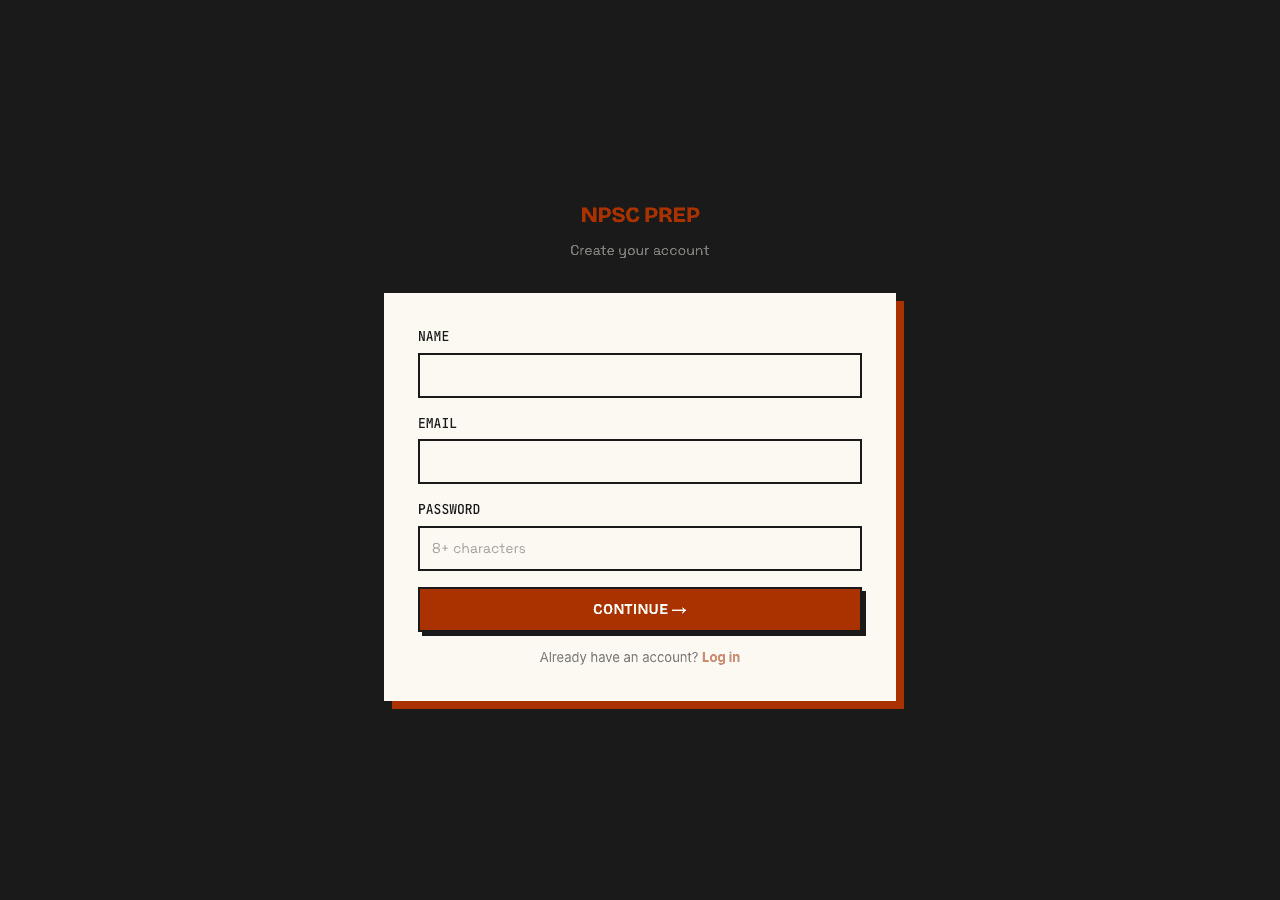
1. Sign up
Create an account with your email and password. It takes under a minute.
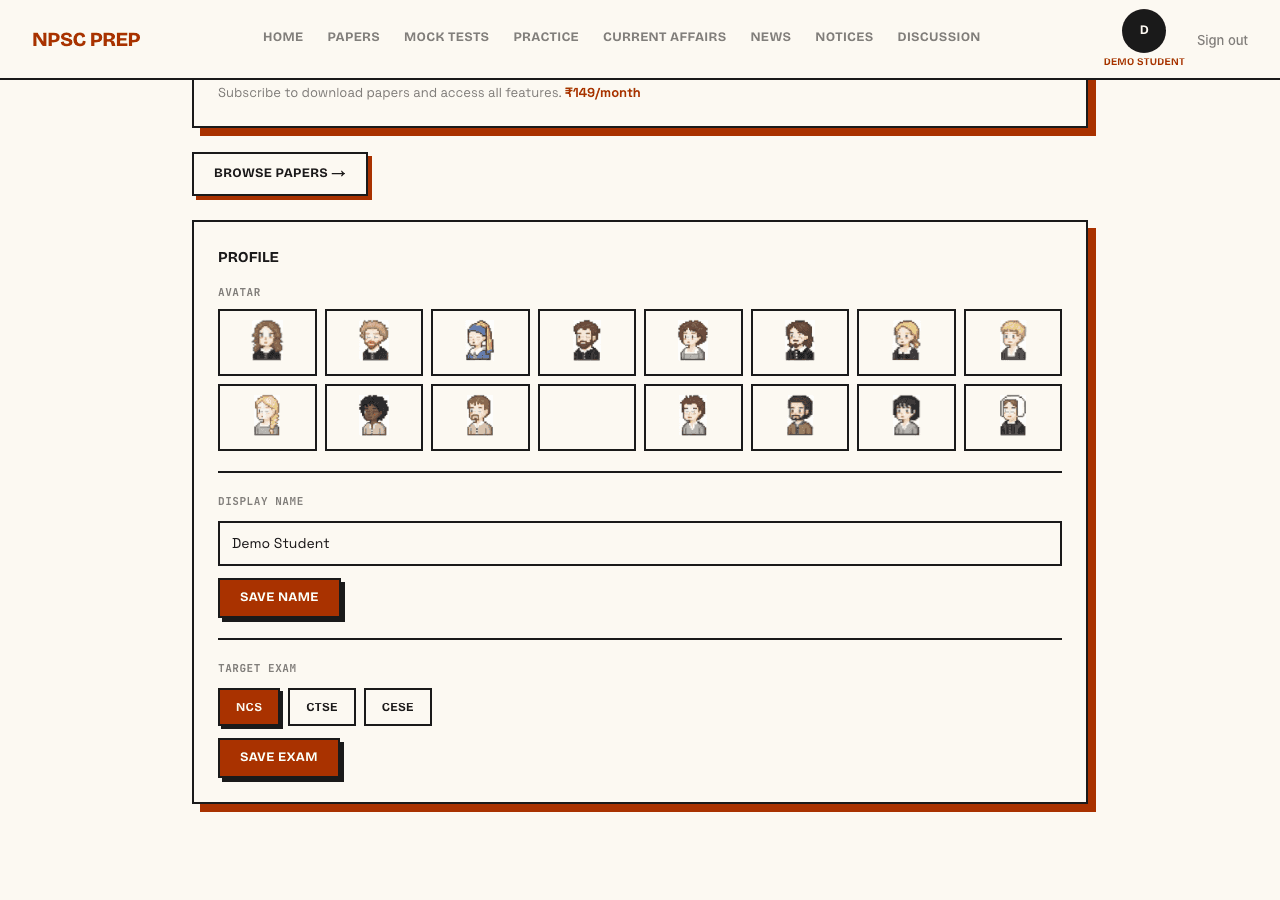
2. Set your target exam
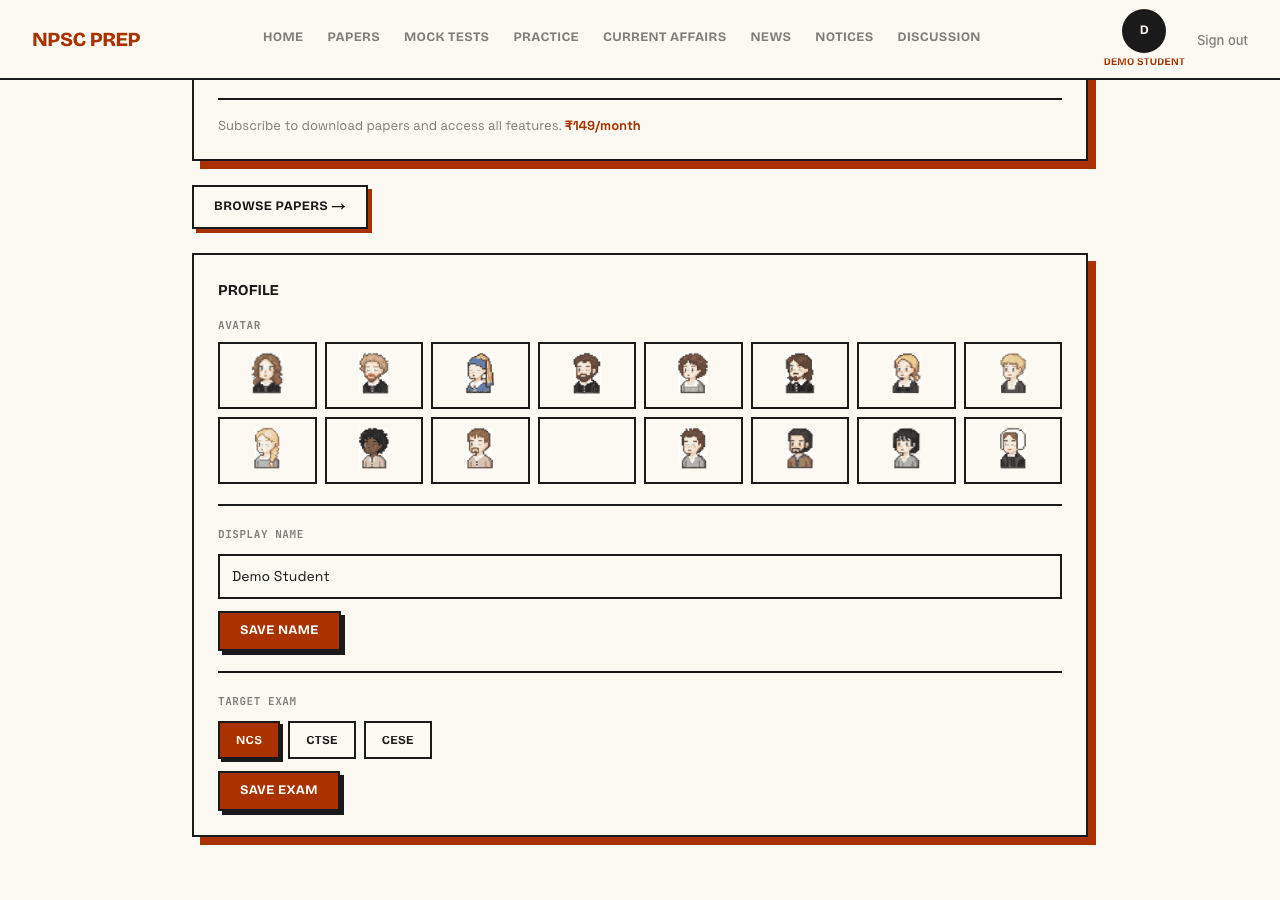
From your dashboard, pick which exam you're preparing for — NCS, CTSE, or CESE — and, for CTSE/CESE, your discipline. This tailors your practice pool.
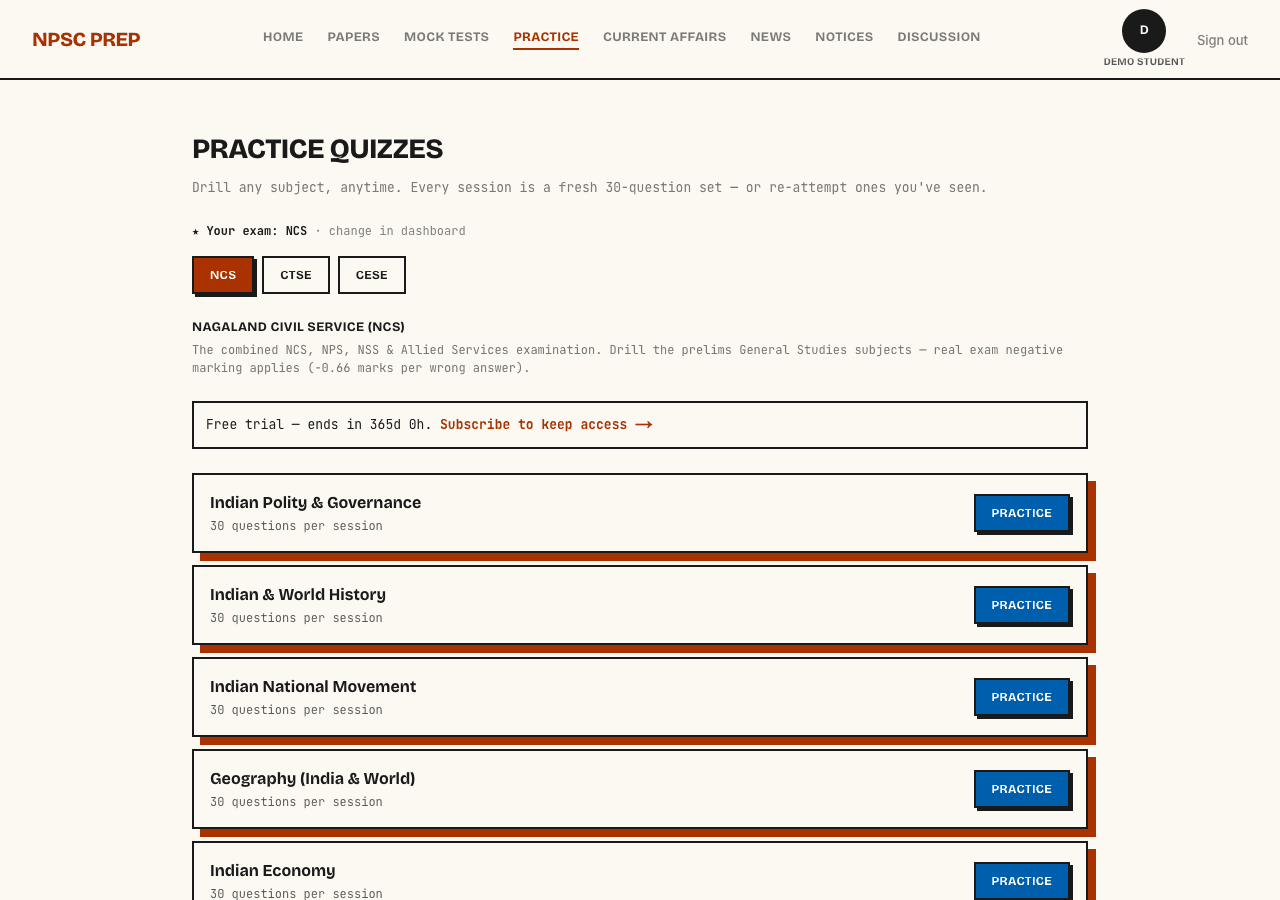
3. Pick a subject
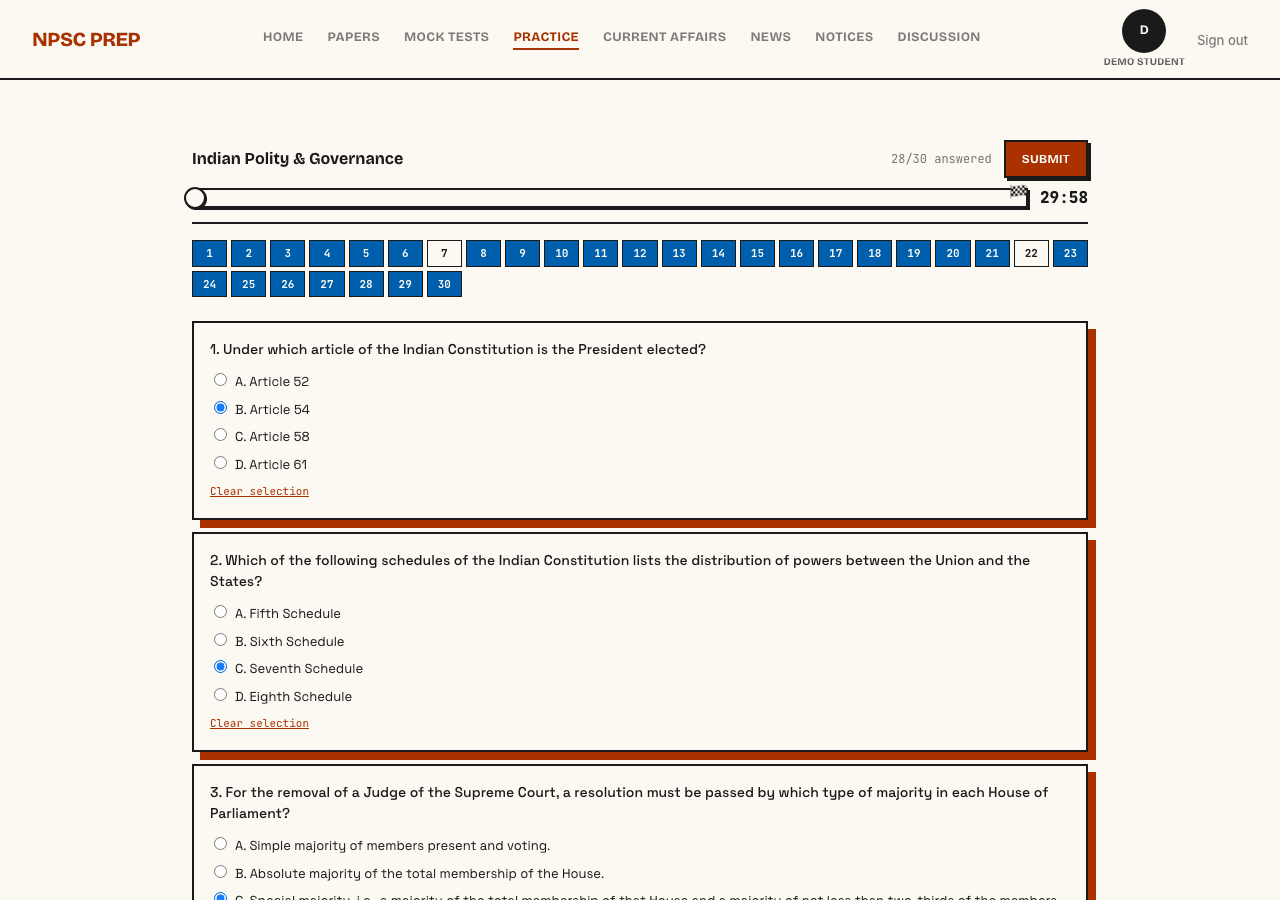
Head to Practice and choose any subject. Every session is a fresh 30-question set drawn from that subject's question bank.
4. Answer questions
Work through all 30 at your own pace — scroll, jump between questions using the number grid, and submit whenever you're ready (unattempted ones are scored as such, not wrong).
5. Review your results
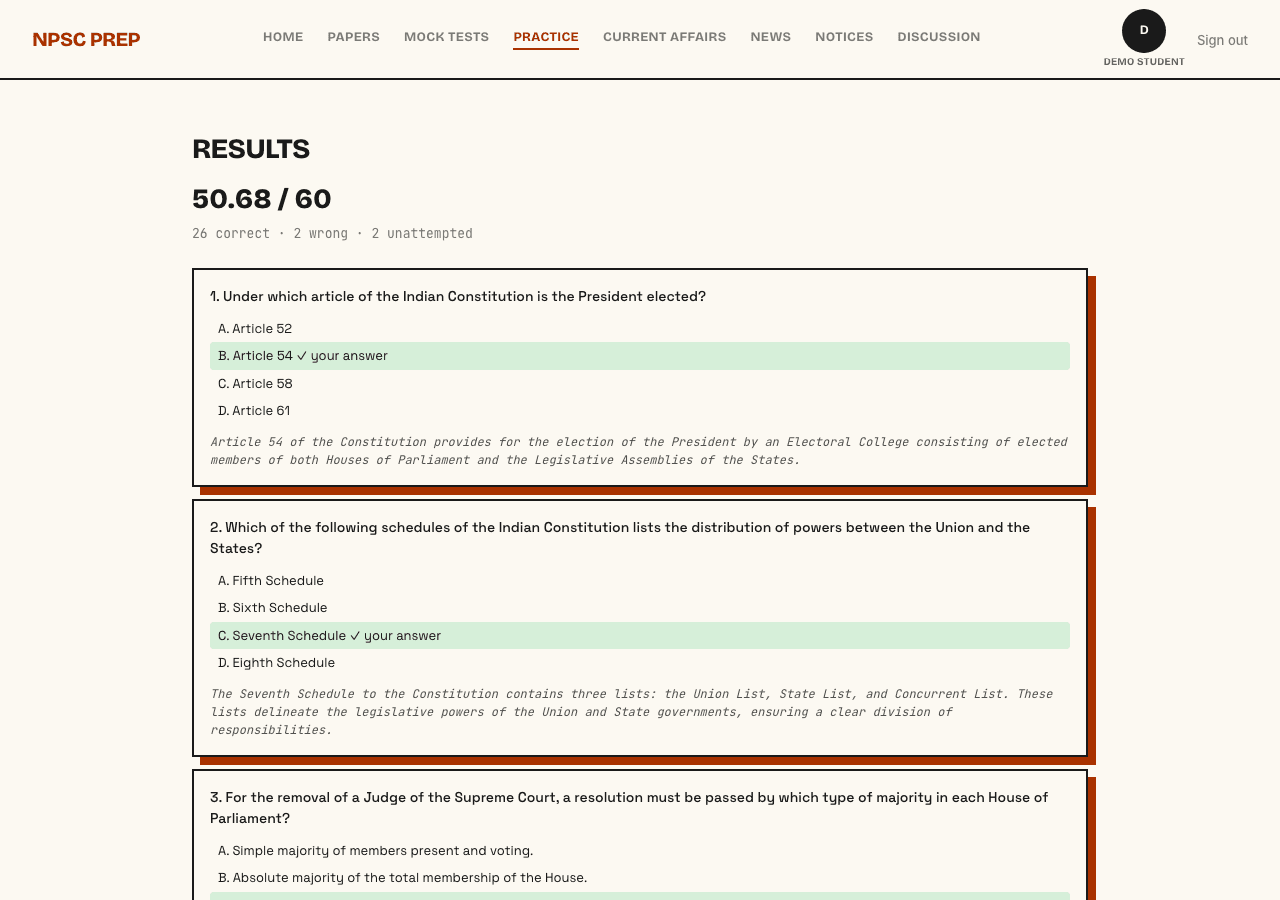
See your score using real exam marking (+2 correct, −0.66 wrong), then read the explanation for every question, right or wrong.
6. Level up as you practice
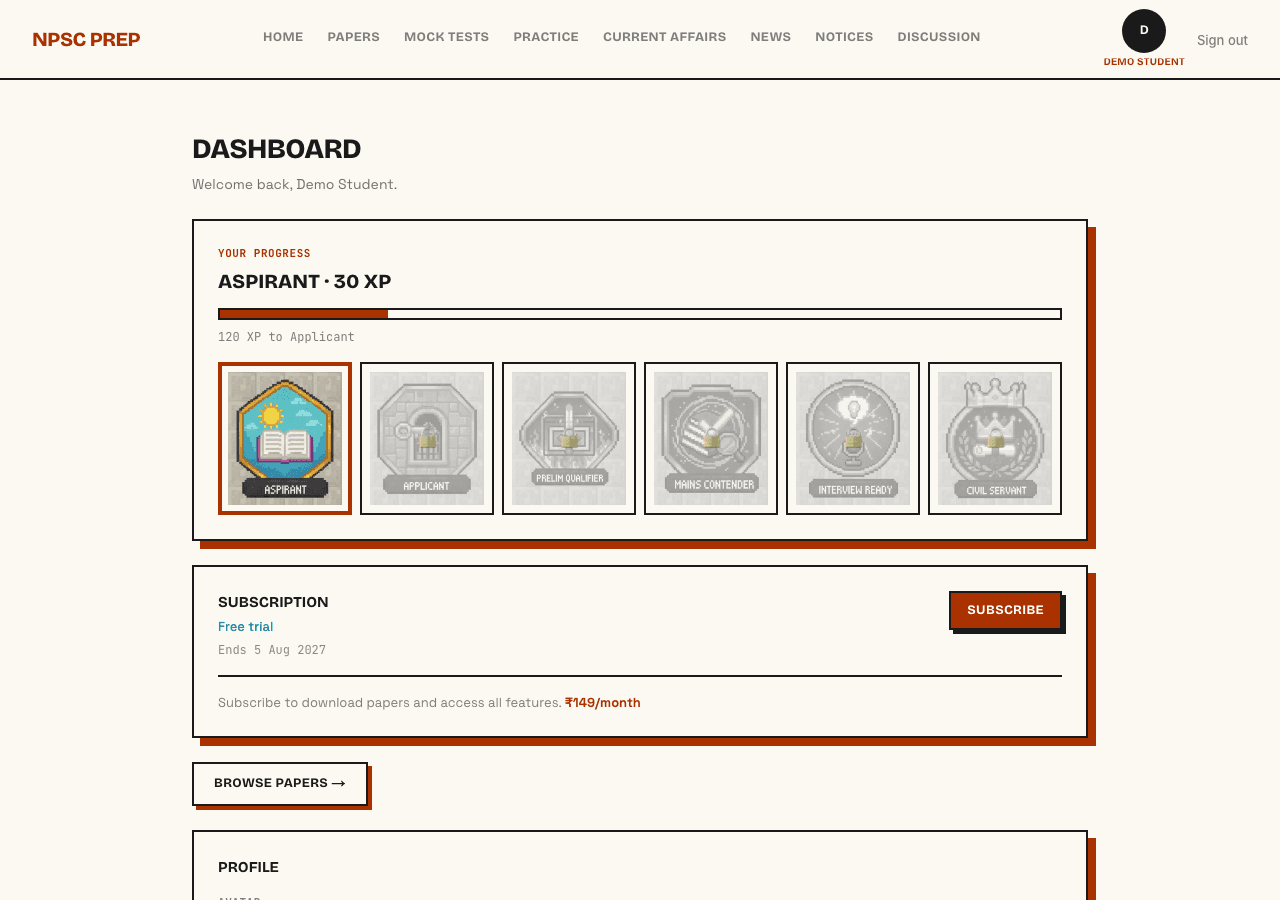
Every session earns XP. Watch your rank climb from Aspirant toward Civil Servant, and unlock a new badge at each level — prep doesn't have to feel like a chore.
7. Make it yours
Pick an avatar and a display name from your profile. Small touches, but they make the grind a little more fun.
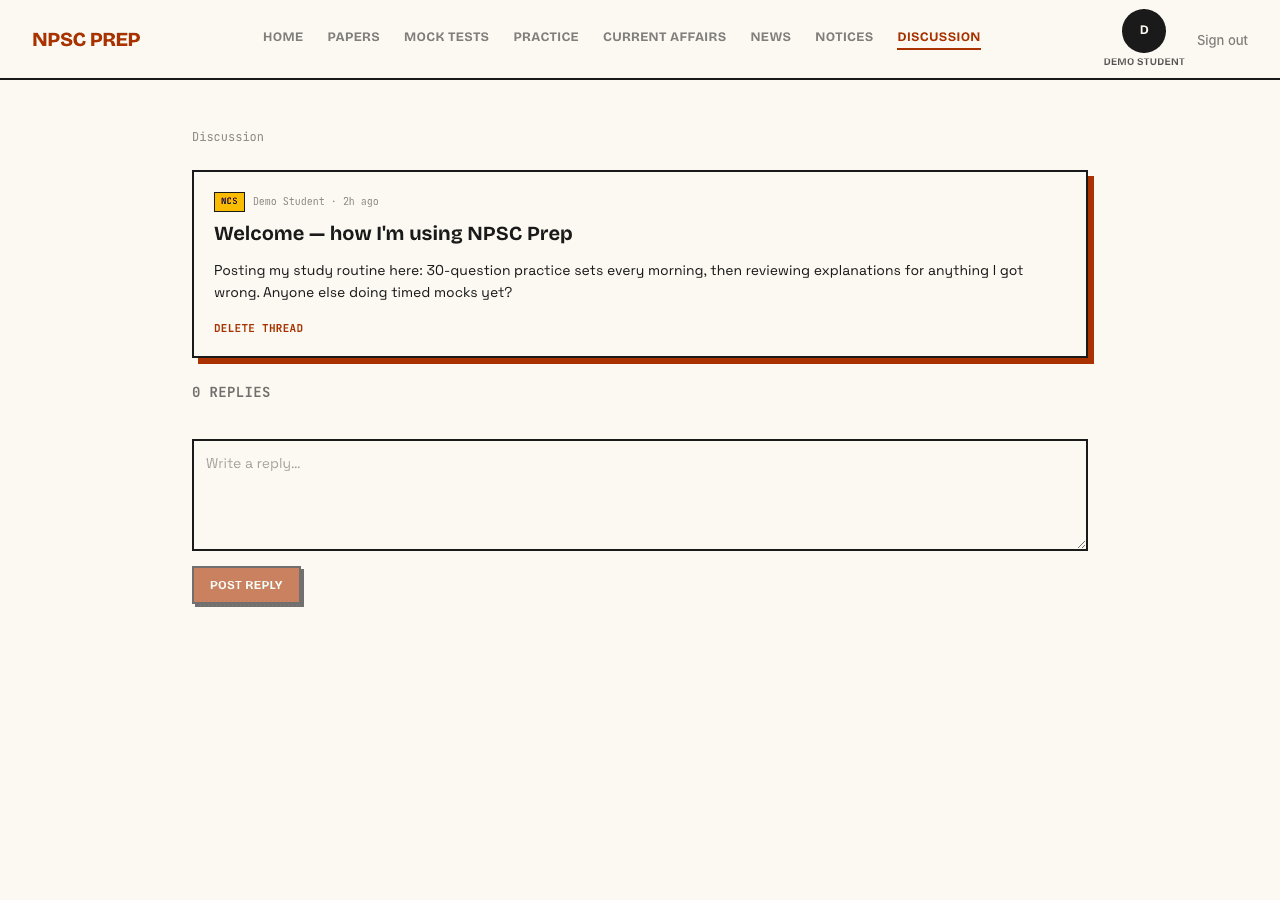
8. Join the forum
Ask questions, compare notes, and see what other candidates are studying in the discussion forum.
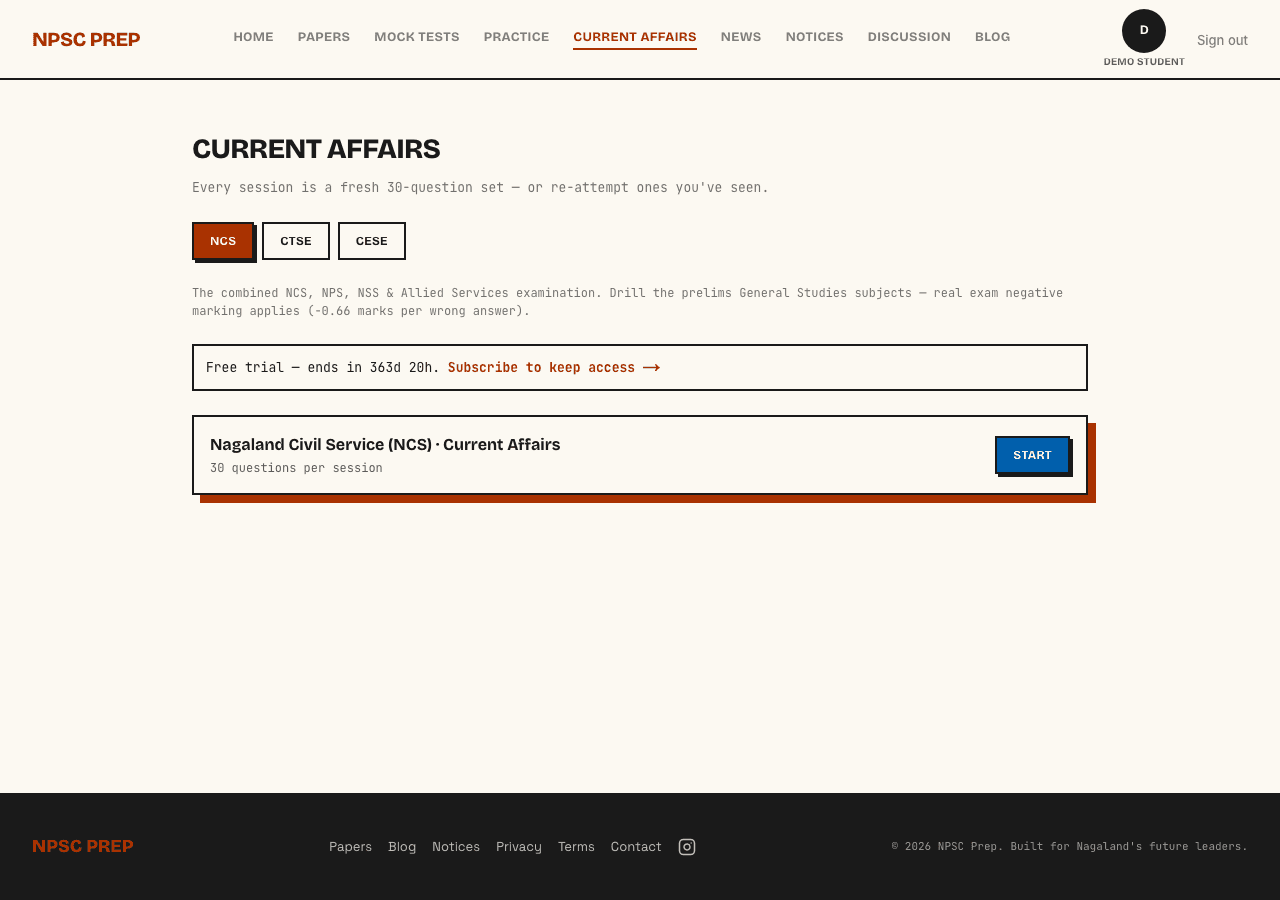
9. Quiz yourself on current affairs
A separate practice pool just for recent events, tagged to your exam — so you're not relying on the static subject banks to keep you current.
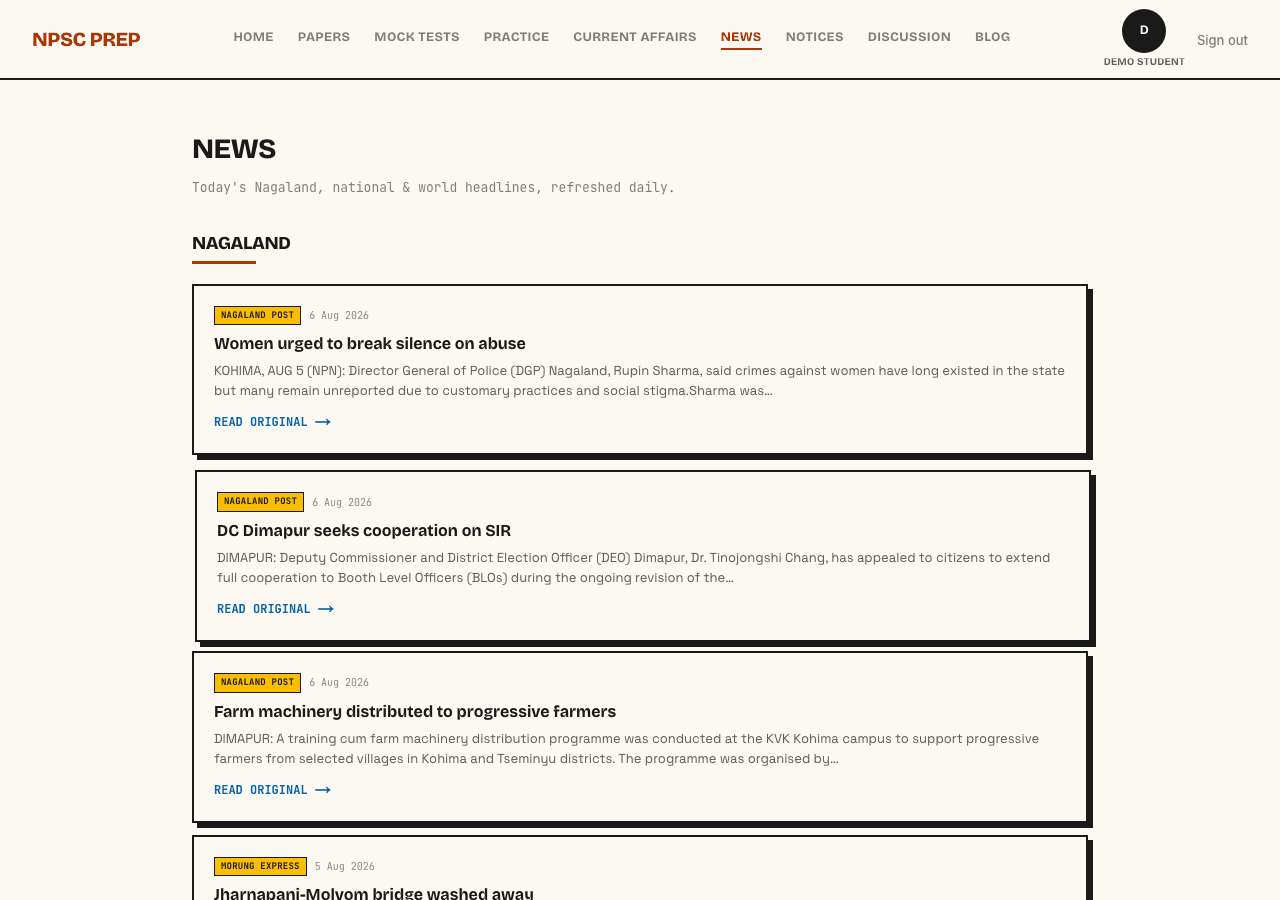
10. Stay on top of the news
Three feeds, refreshed daily, right inside the app — don't miss out on Nagaland news, national news, or world news. No hunting across multiple sites.
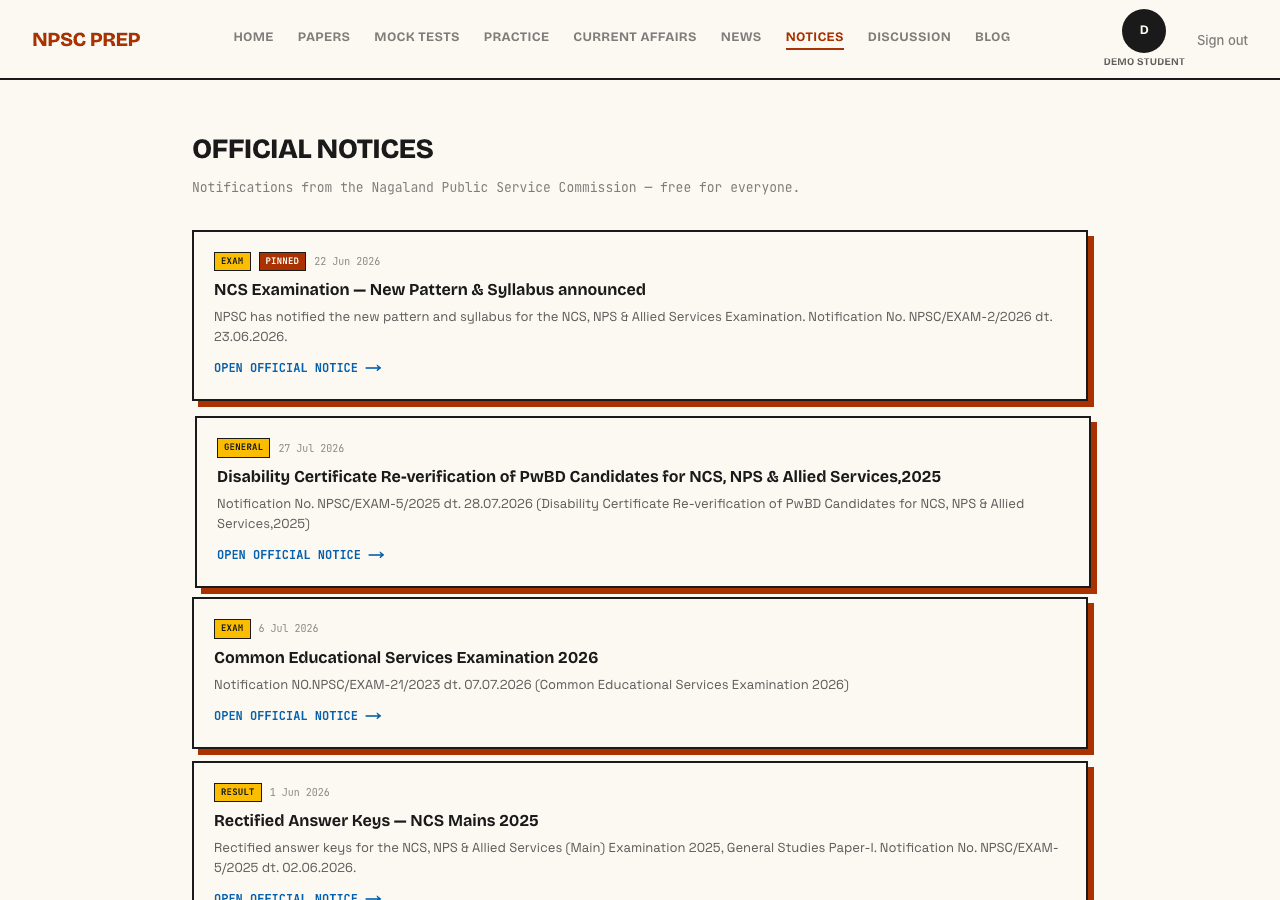
11. Check official notices
Every Nagaland Public Service Commission notification, pulled in one place — free for everyone, exam or no exam.